In today’s post, I load a 3D model from Blender for display on the web using React Three Fiber.
Live Demo
Try panning and zooming on the monkey head!
Background
For several projects I have in mind, I’d like to be able to display 3D models in React applications. This requires exporting them from an editor (such as Blender) in a suitable format (such as glTF, a widely-used model format), and loading them into React using a 3D library.
Fortunately, Three.js, the leading JavaScript 3D graphics library, has a great React version, React Three Fiber. It is this library I intend to use today.
Software
- Blender to create the model (these steps are optional if you have a model already)
- Node.js to develop and build the Vite/React application!
Process
Create the React project
In a new terminal, run npm create vite@latest. I selected the React framework, JavaScript variant, and ESLint linter, because I’m not as familiar with the other options.
An App.jsx file will be created. We’ll use this as our basis.
cd into the created project directory, and install react-three fiber for our 3D visualizations: npm install three @react-three/fiber
Finally, install drei for its toolbox of react-three fiber utilities: npm install @react-three/drei.
Go into App.jsx and replace it with the following:
import { Canvas } from '@react-three/fiber'
import { OrbitControls } from '@react-three/drei'
import { useLoader } from '@react-three/fiber'
import { GLTFLoader } from 'three/addons/loaders/GLTFLoader.js'

function App() {
  const suzanne = useLoader(GLTFLoader, './suzanne.gltf');
  return (
      <Canvas>
        <primitive object={suzanne.scene} />
        <OrbitControls />
        <directionalLight color="red" position={[5, 6, 7]} />
      </Canvas>
  )
}

export default App
This is a very basic snippet, taken from the Vite guide and several relevant React Three Fiber tutorials. It adds in the model we’ll be using (suzanne.gltf), adds an orbit camera, and places a directional light!
As an added note, if you plan to serve the page in an iframe (like I do here), add the “base” parameter to your vite.config.js:
import react from '@vitejs/plugin-react'
import { defineConfig } from 'vite'

// https://vite.dev/config/
export default defineConfig({
  plugins: [react()],
  base: './'
})
Create a model
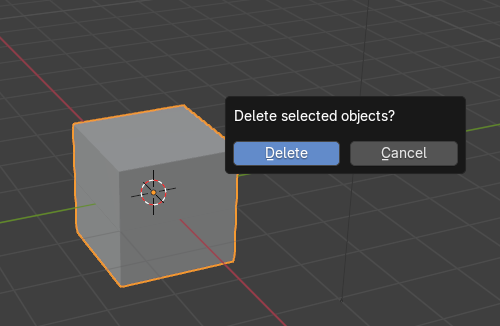
Open Blender, and press X -> delete the default cube (as is tradition)
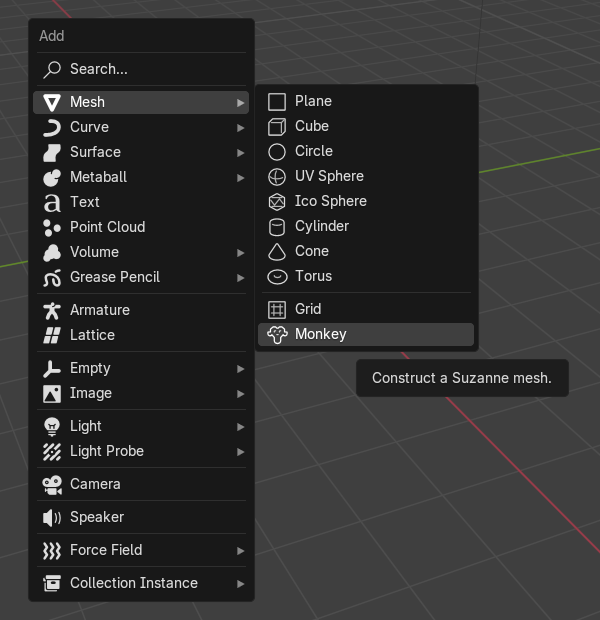
Add a mesh (Shift-A), inserting the default monkey head, Suzanne.
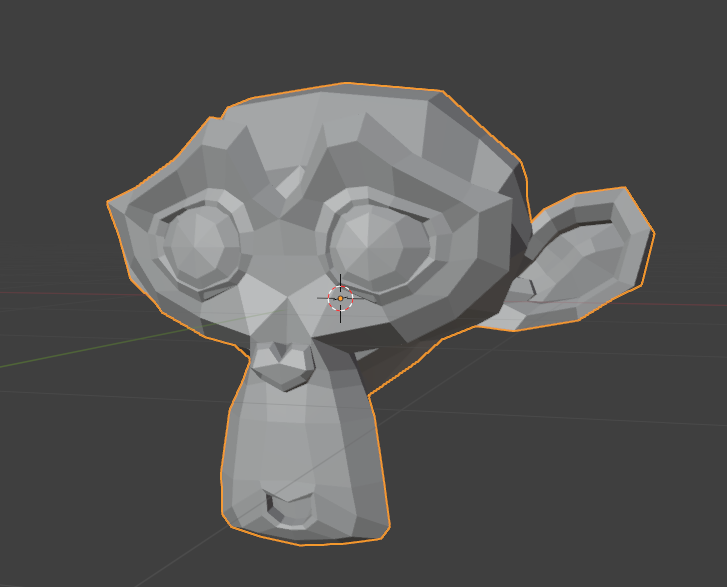
You should now have a happy monkey head in your 3D viewport!
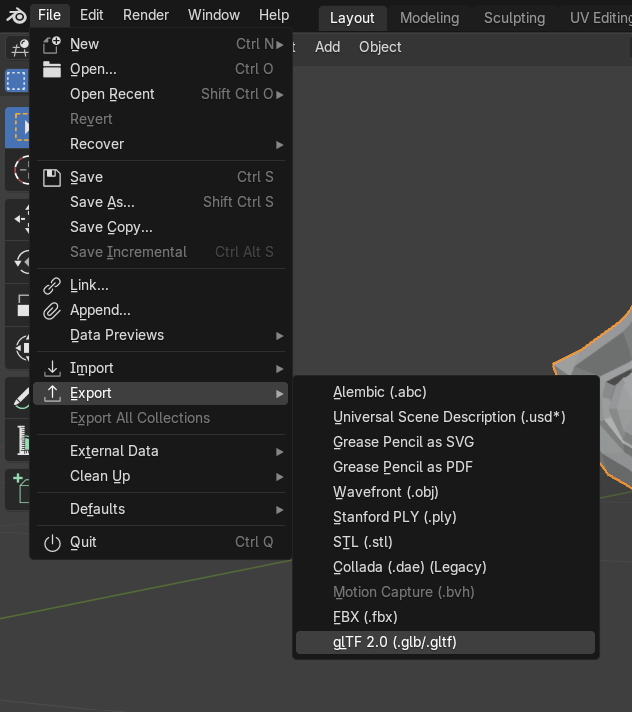
Go to File -> Export -> glTF 2.0:
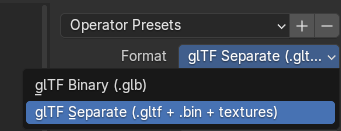
Ensure that you’re exporting it as a glTF Separate (so Blender creates a *.gltf file we can use, not a combined *.glb binary file):
Place this into your React project’s public directory.
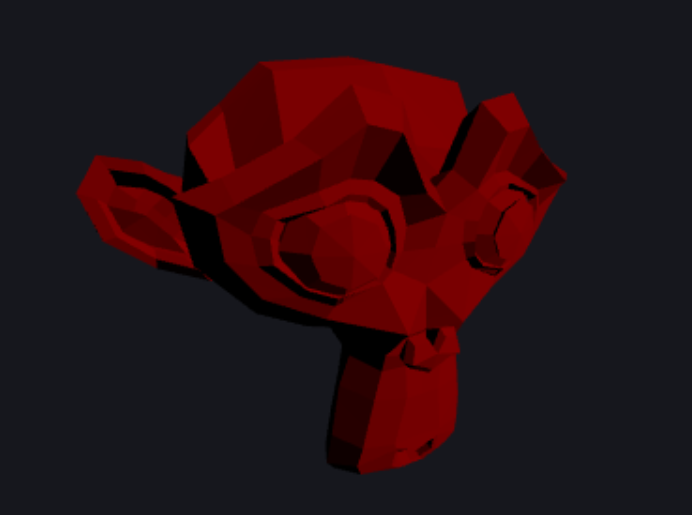
Now, your Vite dev server should show the 3D model with an orbital camera!
Export for static serving
Building your Vite project is as easy as pie: run npm run build. Vite will populate your dist directory, which is a self-contained, static-servable version of your application!
Next steps
This is a very basic example at its core, and could be extended in several ways, such as:
- Componentizing the model to make the code cleaner
- Adding materials
- Adding animations
Thanks for reading!