In today’s post, I interactively run Javascript in the browser.
Live Demo
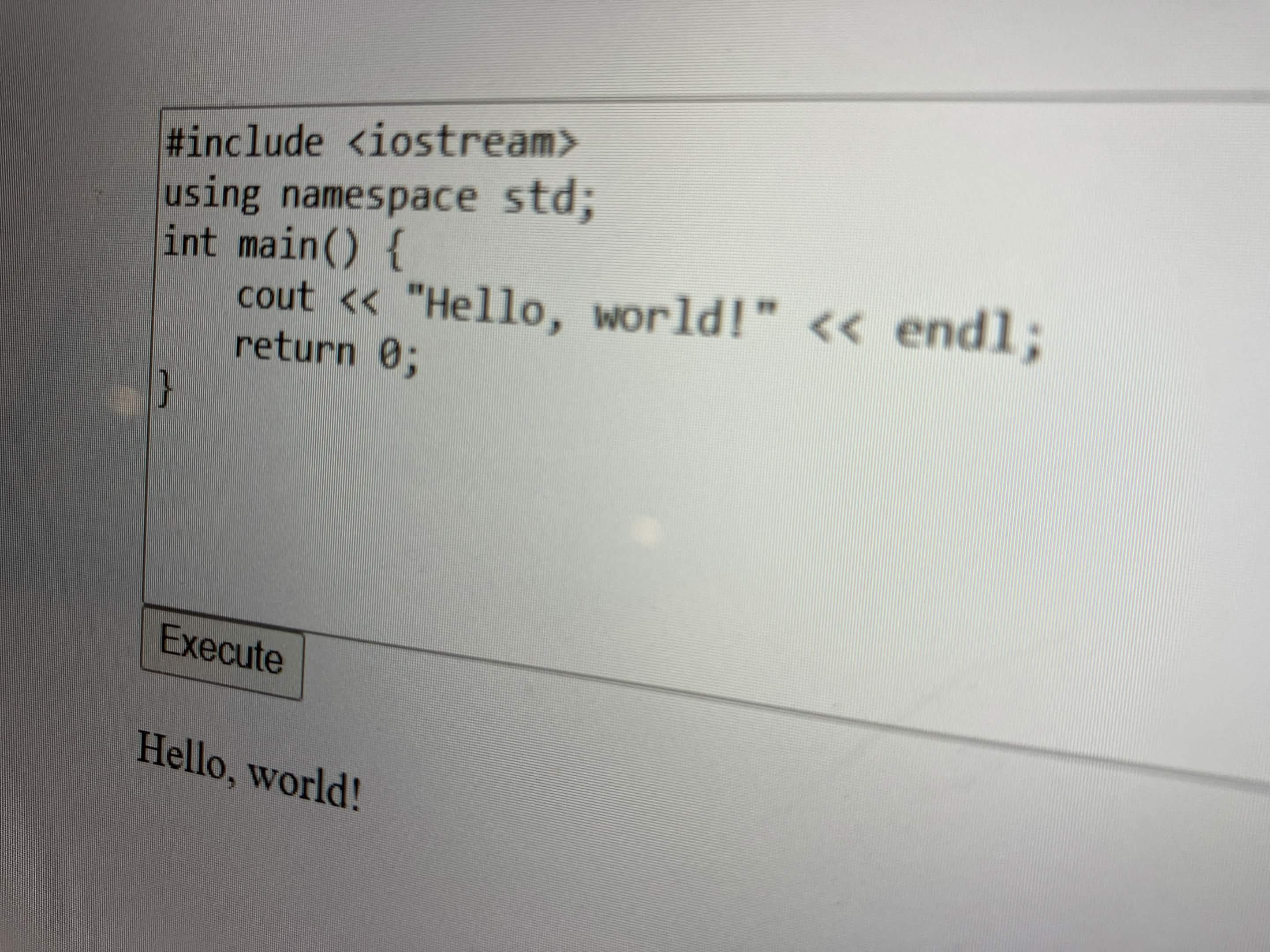
You can enter real (though limited) C++ code below, and it’ll actually run! How cool is that?
Background
Most “C++ in your browser” services/REPLs have a server backend. For future projects of mine, it would be very convenient to be able to run C++ directly in the browser.
Enter Felix Hao’s JSCPP, a “simple C++ interpreter written in JavaScript.” JSCPP evaluates a given C++ program directly within the browser runtime, and has many convenient features, such as:
- A debugger!
- The ability to interact with the standard input and output streams!
- The ability to define custom namespaces and functions in Javascript!
See the main repo’s README for more details.
Process
Using JSCPP in a very basic way ended up being dead simple. The following code is directly embedded above, via an iframe.
I downloaded the minified Javascript version of JSCPP and dropped it into the same static-served directory.
<HTML>
    <HEAD>
        <script src="JSCPP.es5.min.js"></script>
        <script>
            var output = "";
            function runCode() {
                try {
                    JSCPP.run(document.getElementById("code").value, "", {
                        stdio: {
                            write: function(text) {
                                output += text
                                document.getElementById("output").textContent = output;
                            }
                        }
                    });
                } catch(error) {
                    alert(error.message)
                }
            }
        </script>
    </HEAD>
    <BODY>
        <textarea rows="10" cols="50" id="code" autocorrect="off">
#include <iostream>
using namespace std;
int main() {
    cout << "Hello, world!" << endl;
    return 0;
}</textarea>
        <button onclick="runCode()">Execute</button>
        <p id="output">Output goes here...</p>
    </BODY>
</HTML>
Next steps
This is very much a hackjob first prototype, and even more limited than the JSCPP demo itself. Next steps could include:
- Adding syntax highlighting (possibly with a module like Prism, although many JS syntax highlighters don’t seem to be intended for
<textarea>elements.) - Reworking the entire thing as a React component (this fits into my long-term goals…)
- Hooking it up to control something interesting!
Thanks for reading!